LIVE LANGUAGE ACCESS
Real-Time Hebrew
Captions. Inside
Your Studio.
דבראLIVE
Live Hebrew captions for broadcasts, conferences and productions. Processed locally, in your studio.
Explore the SolutionLow latency LOW WER LOCAL PROCESSING
THE SOLUTION / STUDIO CONNECTIONS
Built around
your studio.
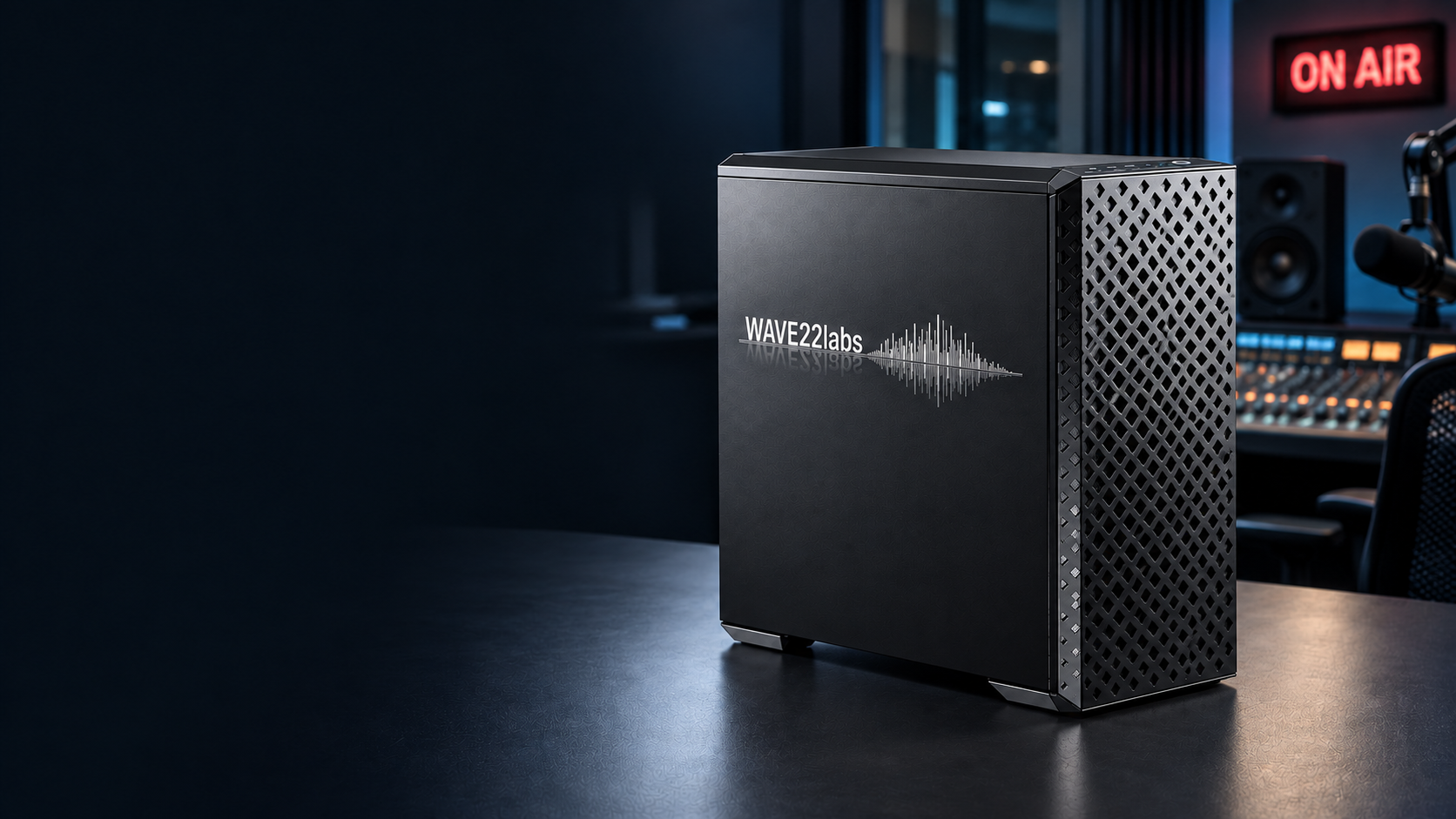
Local Hebrew captioning. A dedicated GPU.
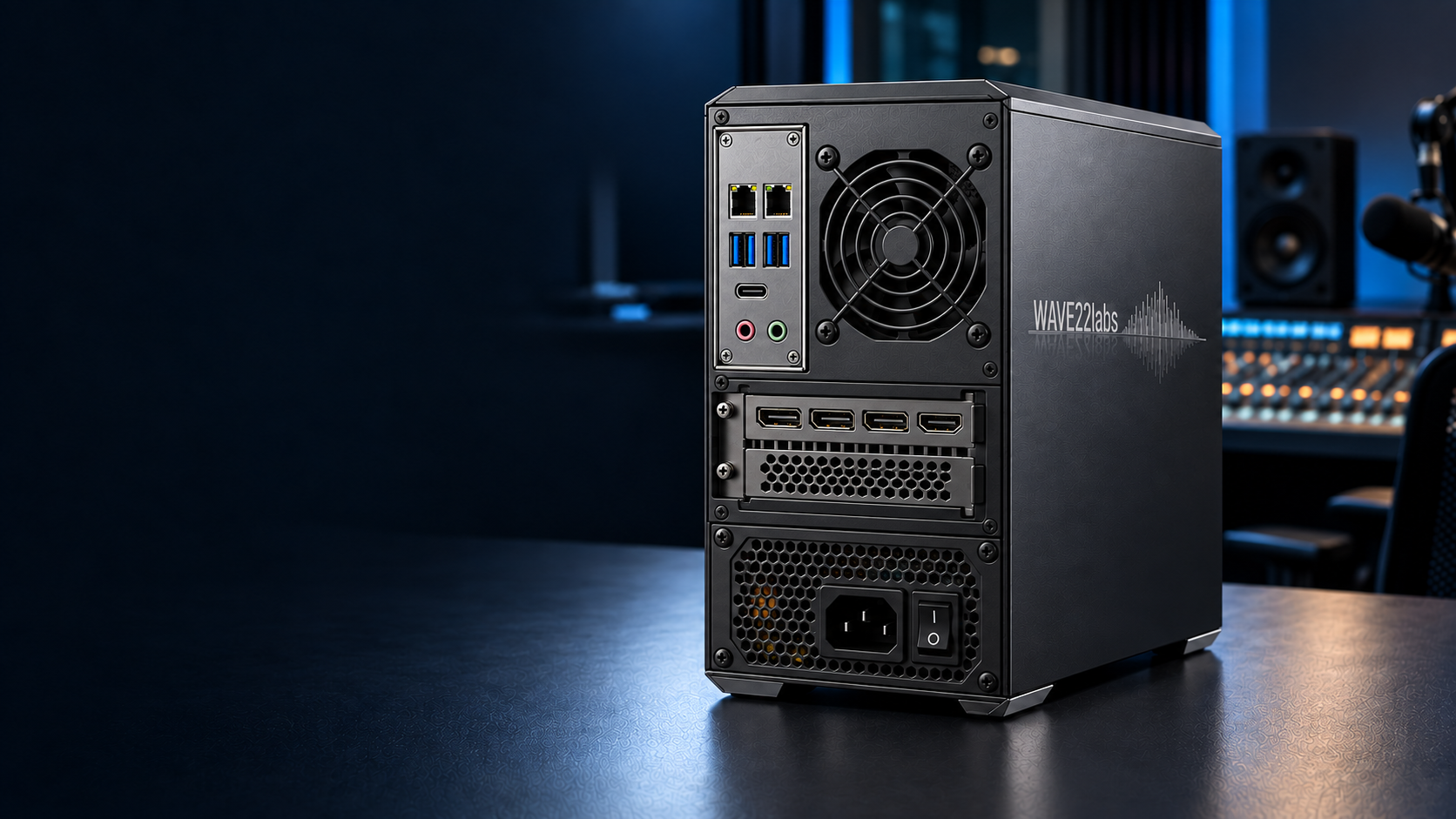
Connections that belong in your studio.
Hover or tap to explore the connections.
Hardware layout concept. Board, GPU, power supply and thermal fit remain to be validated. Display outputs are not broadcast video inputs.
TECHNOLOGY / STUDIO INTEGRATION
Your audio.
Your broadcast
chain.
Local Hebrew speech recognition.
Caption output for your production workflow.
- Studio audioMixer or audio interface
- Local recognitionSpeech to Hebrew text
- Caption compositionRTL layout for live reading
- Production outputBrowser-based caption overlay
Audio in. Captions out.
Video remains in your production chain.
CAPTURE & PROCESSING
Speech stays at the source.
- Audio input
- A speech feed from the studio mixer or an audio interface. The capture device and routing are agreed for the installation.
- Local AI
- Hebrew speech recognition runs on the local machine. The intended live-caption path does not rely on a cloud transcription API.
- Language scope
- The broadcast workflow focuses on Hebrew. Translation and multilingual captioning are not part of this live-caption offering.
- Input quality
- Clean speech improves recognition. Overlapping voices, music, names and specialist vocabulary are evaluated using the studio’s own audio.
Network-audio protocols and balanced audio require a compatible, agreed interface; a socket alone does not establish support.
READABILITY & TIMING
Designed to be read live.
- Hebrew layout
- Right-to-left caption composition with right-edge anchoring, designed to keep text readable on a broadcast monitor.
- Caption stability
- The display design prioritises stable line placement and speech-aware grouping. Readability is reviewed on real programme material.
- Latency & accuracy
- Evaluated together on the agreed audio and hardware. Earlier provisional text and final text are different stages, not interchangeable measurements.
- Programme timing
- Caption delay is aligned with the studio’s production chain during the pilot. Display delay alone is not automatic audio/video synchronisation.
No fixed latency or accuracy guarantee is implied. Acceptance is based on representative studio material.
OUTPUT & COMPATIBILITY
A caption layer for production.
- Browser overlay
- Captions are presented through a local viewer URL as a browser-based overlay. Position and appearance are checked in the production host.
- OBS workflow
- OBS Browser Source is the integration path used for the project demo. The target studio’s scene and output path still need acceptance testing.
- Other production hosts
- vMix and other systems require a separate integration check. Browser support alone is not proof that a complete caption workflow has been tested.
- Video & caption standards
- SDI, genlock, encoding and embedded closed captions belong to a separate integration scope. A browser overlay is not an embedded caption stream.
Timed subtitle files and post-production delivery are a separate workflow, not a substitute for live output integration.
CONTROL & DEPLOYMENT
Keep the studio in control.
- Operator workflow
- A local operator interface manages the live session and caption output. The production team decides when the caption layer is taken on air.
- Existing subtitles
- The studio should suppress the live layer when a clip already carries subtitles or speech is outside the Hebrew workflow.
- Data handling
- Local processing is the deployment direction. Recording retention, diagnostic logs, access permissions and remote support must be agreed before installation.
- Failure handling
- Audio loss, viewer reconnects and application restarts must be rehearsed. Automatic failover and unattended recovery are not claimed.
The appliance illustration is a hardware concept. Network isolation, dual-port routing and hardware configuration require installation-specific validation.
BEFORE GOING ON AIR
Prove it in your workflow.
- Bring the signal
- Identify the programme audio source, capture interface, production host, caption destination and who operates the system.
- Agree the presentation
- Review caption placement, safe areas, text size, contrast and behaviour around existing graphics and pre-captioned clips.
- Check real programmes
- Test studio speech, remote contributors, names, interruptions and overlapping speakers. Review accuracy, stability and end-to-end timing together.
- Define the handover
- Agree operation, recovery steps, support responsibilities and an acceptance record before a production rollout.
Pilot-stage product. Hardware, integration and operational acceptance are agreed per studio.
USE CASES / LIVE LANGUAGE ACCESS
Every setting.
Every word.
From the newsroom to the main stage.
Live Hebrew captions, wherever speech matters.
 01 / ON THE RECORD
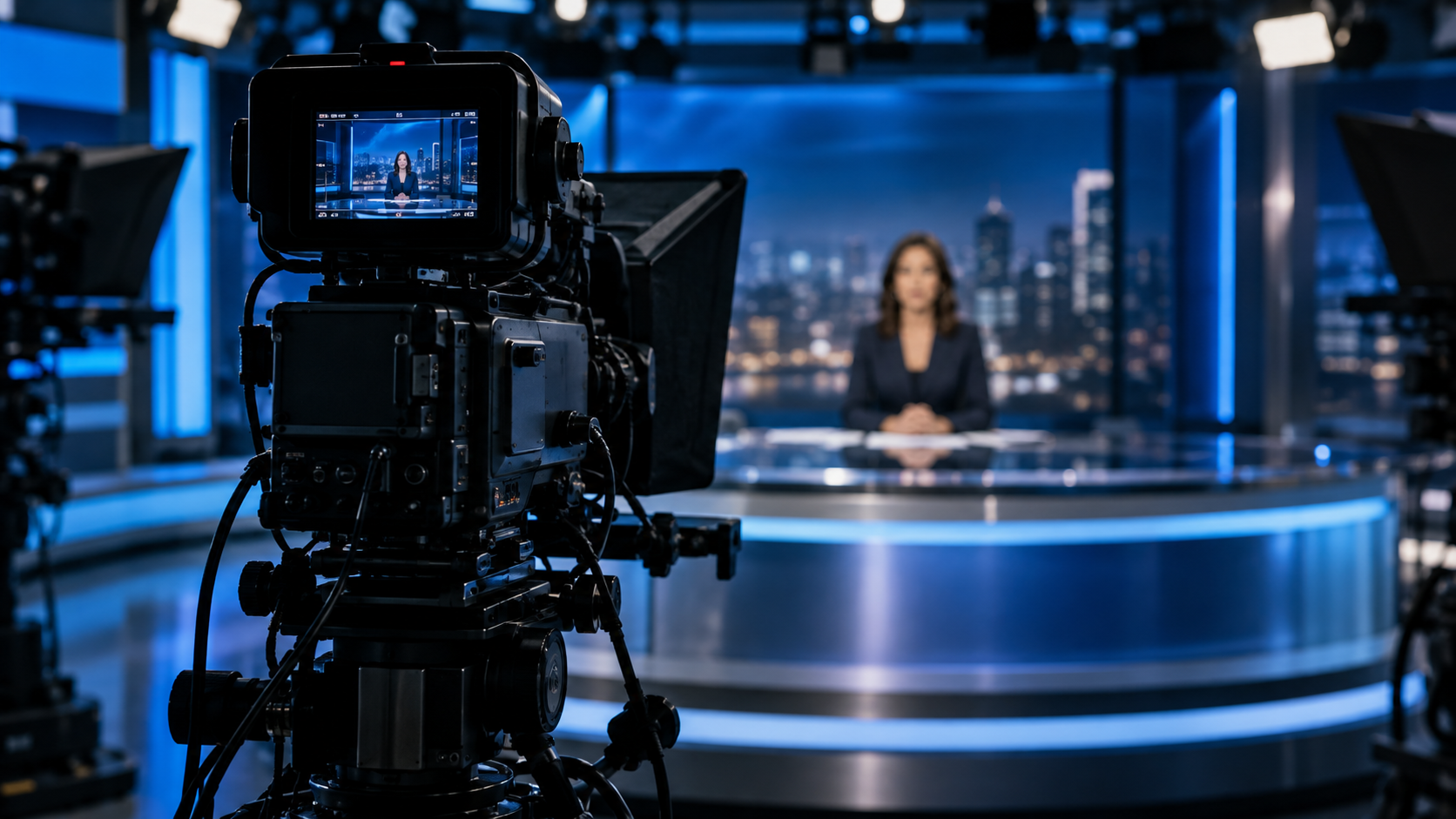
NEWS & CURRENT AFFAIRS
Stay with
the story.
Interviews. Briefings. Live discussions.
 02 / IN THE MOMENT
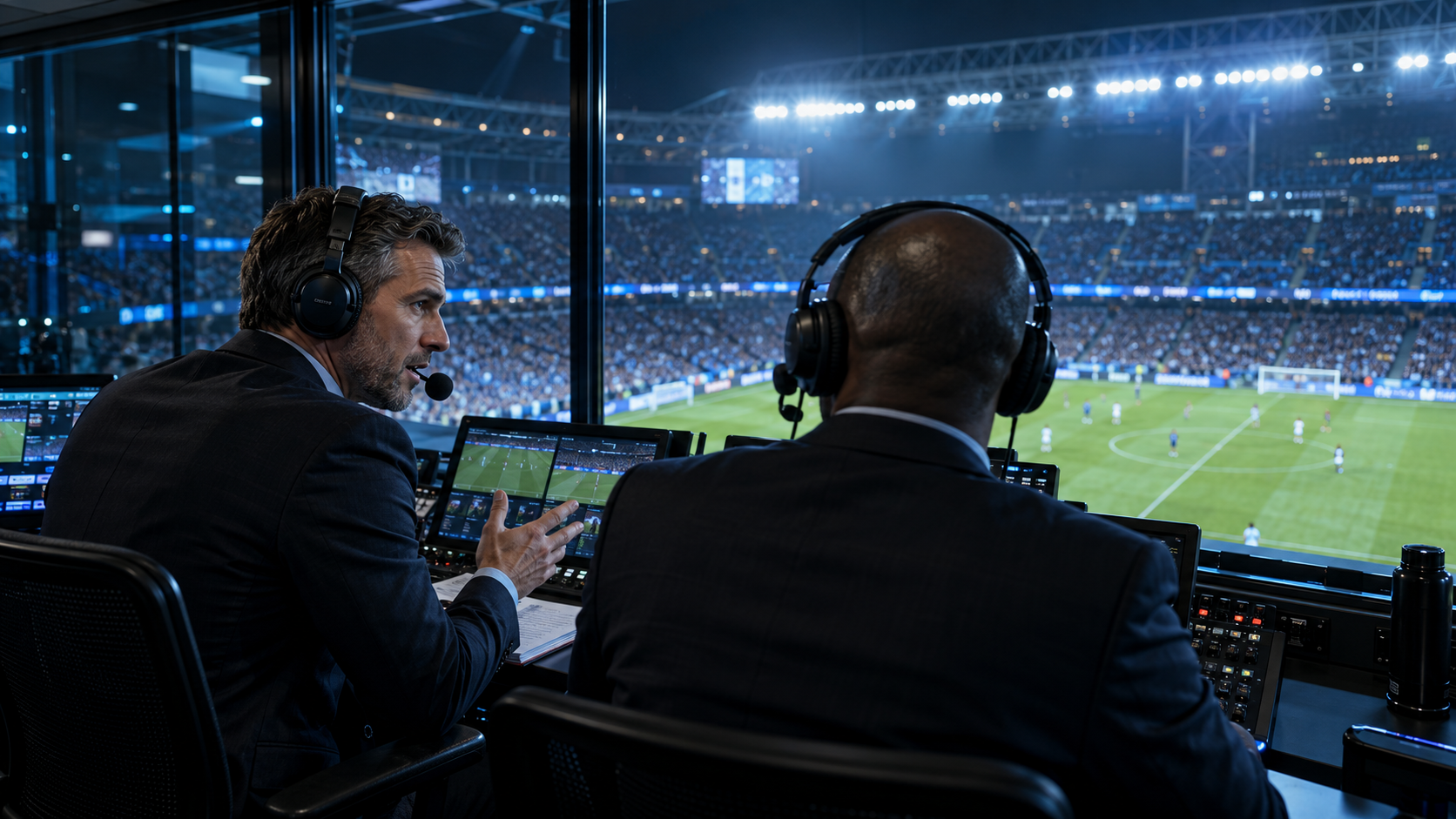
SPORTS
Follow every call.
Live commentary, in Hebrew captions.
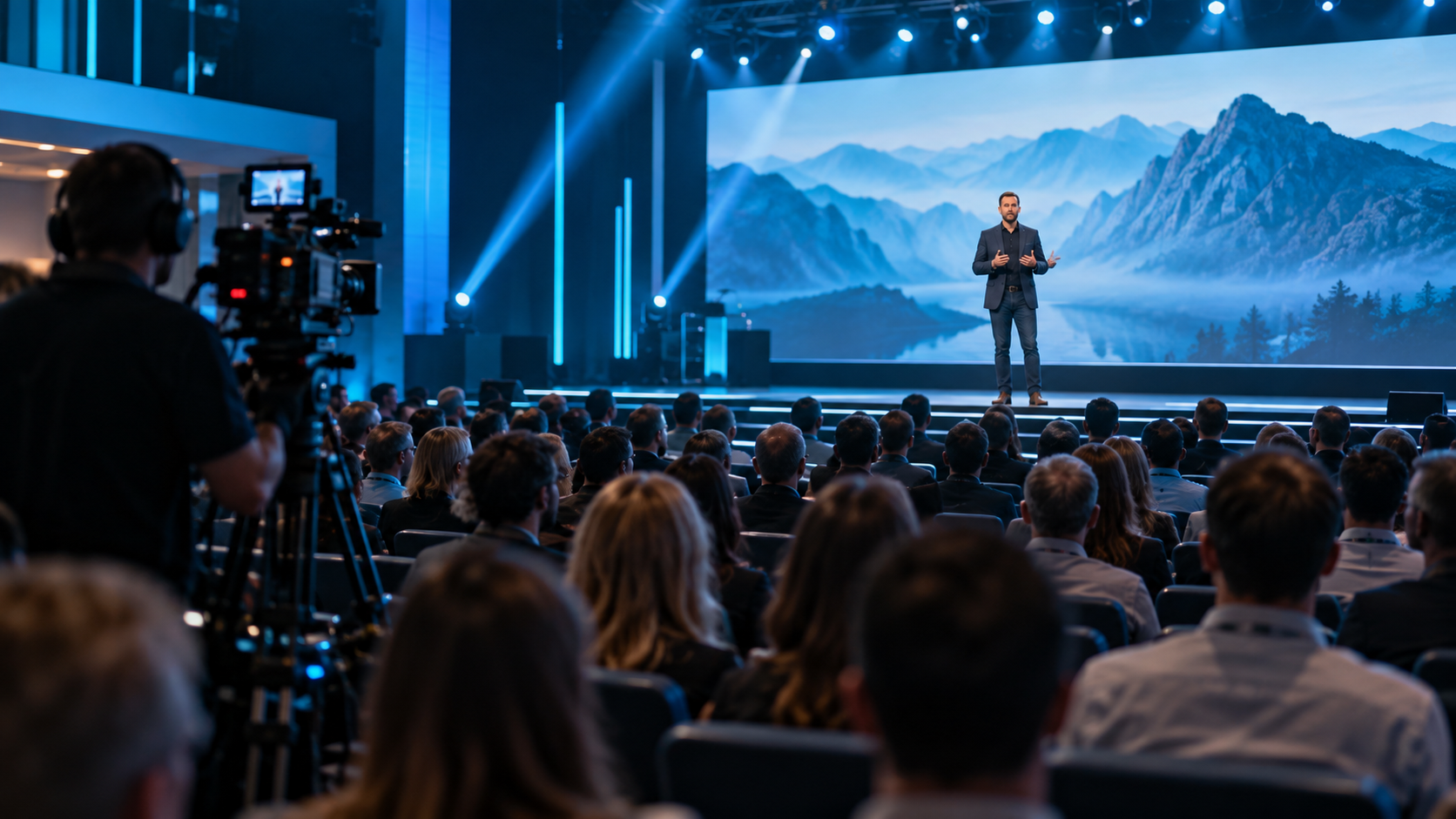 03 / ON THE STAGE
CONFERENCES & PRODUCTIONS
Bring everyone
into the room.
PUBLIC COMMUNICATION
A clearer
message.
Live addresses.
Public announcements.
WAVE22 LABS
Live language access.
A more inclusive
world.
דבראLIVE
We’re developing local Hebrew captioning for the people who bring live broadcasts and events to their audiences.
Our focus is practical: clear captions, a simple audio workflow and a product shaped by studio pilots.